

How to Highlight Deals with Eye-Catching Banners in WooCommerce
 Updated by James Smith
Ever landed on an online store where a giant banner screamed “SALE”? Bright colors. Bold fonts. Maybe a ticking clock counting down to zero. You stopped, didn’t you? That’s what banners do. They grab attention before words even begin to work.
In WooCommerce, banners aren’t just decoration. They’re power. Silent sellers. They turn browsers into buyers without saying a word. Because sometimes, people don’t read. They look. They feel. They click.
If you run a WooCommerce store, your deals deserve a spotlight. Not a corner mention. Banners can bring that spotlight. From shop pages to checkout screens, they tell stories that sell. Let’s explore how to create those stories simple, sharp, and stunning.
Secret Language of Visuals
Humans don’t think in words first. We think in pictures. That’s why a banner with the right image can tell a story faster than any product description ever could.
Imagine this. You open your store’s homepage. Instead of plain text, a big image of a sneaker pops up fresh, modern, with a bold “Flash Sale 40% Off Today Only.” You’d click, right? That’s how visuals pull emotions.
It’s not just about looking nice. It’s about feeling right. The tone, the colors, the message; they all whisper something to your customer’s mind. “Buy now.” “Don’t miss this.” “This is worth it.” That’s the beauty of banners. They speak directly to the heart before logic even wakes up.
Why Every WooCommerce Store Needs Banners
Let’s be honest. The internet is crowded. Every second, hundreds of stores are fighting for that one pair of eyes. Your store needs a reason to make someone stop scrolling.
Banners do that job perfectly. They make people pause. They make deals visible. Without them, your sales page is just words. And words alone can’t scream “50% OFF!” with the same energy.
Think about holidays. Christmas. Black Friday. Valentine’s Day. Without a bold banner setting the mood, your site looks the same as yesterday. But with one? It suddenly feels alive. A WooCommerce store with good banners doesn’t just sell products, it sells experiences.
Where to Place Your Banners (and Why It Matters)
- Homepage. This is your stage. The first impression. Use a bold hero banner that introduces offers, new arrivals, or your store’s vibe.
- Shop Page. Here, banners can guide attention. A small “Free Shipping Over $50” banner works wonders. It feels like a bonus without being pushy.
- Product Pages. The perfect spot to upsell. Imagine a soft banner whispering, “Buy 2, Get 1 Free.” Simple. Effective.
- Category Pages. Use a WooCommerce Category Banner to highlight deals within specific collections. For example, “Summer Styles – 30% Off.” It sets the tone instantly.
- Cart and Checkout. These are gold spots. Customers are already ready to buy. A small reminder “Add one more item to get free shipping!” can push them over the line.
- Thank You Page. Don’t stop after the sale. Add a banner saying, “You’ve earned 10% off your next purchase.” That tiny move creates repeat buyers.
Placement is everything. Even the best-designed banner fails if it’s hiding in the wrong corner. Let’s talk strategy.
Each banner should serve a purpose. Guide. Excite. Reward. Not just fill space.
Designing Banners That Actually Sell
Pretty isn’t enough. A banner has to sell. That’s its only real job. Here’s what works:
- Keep It Simple. The best banners say more with less. Short lines. One offer. One image. No clutter.
- Use Contrast. Bright text on dark backgrounds. Or vice versa. Make the message pop, not blend.
- Show Emotion. Smiling faces. Movement. Urgency. The right picture makes people feel.
- Add a Call-to-Action. “Shop Now.” “Grab It.” “Don’t Wait.” Tell them what to do next.
- Stay Consistent. Match colors and fonts with your brand. Random design kills trust.
A good banner doesn’t just display information. It creates a mood. You want people to look and say, “This feels right. I should check it out.”
Real Talk: The Tools That Make It Easy
Not everyone’s a designer. And that’s okay. You don’t need Photoshop or fancy code to create banners anymore.
Tools like Canva let you drag, drop, and download beautiful designs in minutes. Use templates, tweak colors, add your logo done.
If you’re more into WordPress-friendly options, Elementor and Divi are perfect. They work directly inside WooCommerce. You can create banners, sliders, and pop-ups without touching code.
But if you want total control inside your store, try Banner Images for WooCommerce by TheCodeFish. It lets you upload and manage banners for shop pages, product pages, categories, checkout, even the thank-you screen. You can add links, alt text, and choose where each banner appears. All from the dashboard. This plugin saves time. And nerves.
How to Add a Banner to WooCommerce Step by Step
Let’s make it practical. Here’s how you can Add Banner to WooCommerce without breaking a sweat
- Log into your WordPress dashboard.
- Go to Products or Pages (depending on where you want it).
- Click Edit on your product or page.
- Scroll down till you see the Banner Image section.
- Upload your banner.
- Add alt text (important for SEO).
- Add a redirect link (to a deal page, maybe?).
- Check “Enable Display.”
- Hit Update.
Done. That’s it. Your banner is live.
You can repeat the same steps for categories, cart pages, and more. Each banner feels like a small update, but together, they create a brand story that flows from start to finish.
Turning Emotion into Action
Banners can move people literally. From scrolling to clicking, from clicking to buying. But only when done right. Words like “Today Only”, “Almost Gone”, “Ends Tonight” create urgency. People hate missing out. That’s human nature.
Use color psychology too. Red sparks excitement. Yellow catches attention. Blue builds trust. Combine these with a catchy phrase, and you’ve got magic.
But remember, subtlety wins. Don’t scream with too many words or flashing lights. A calm, confident banner often performs better. Your banner should say, “Hey, you might want this,” not “BUY NOW OR ELSE!”
Seasonal Banners: Your Best Friend for Sales
Every season tells a story. Why not make your store part of it?
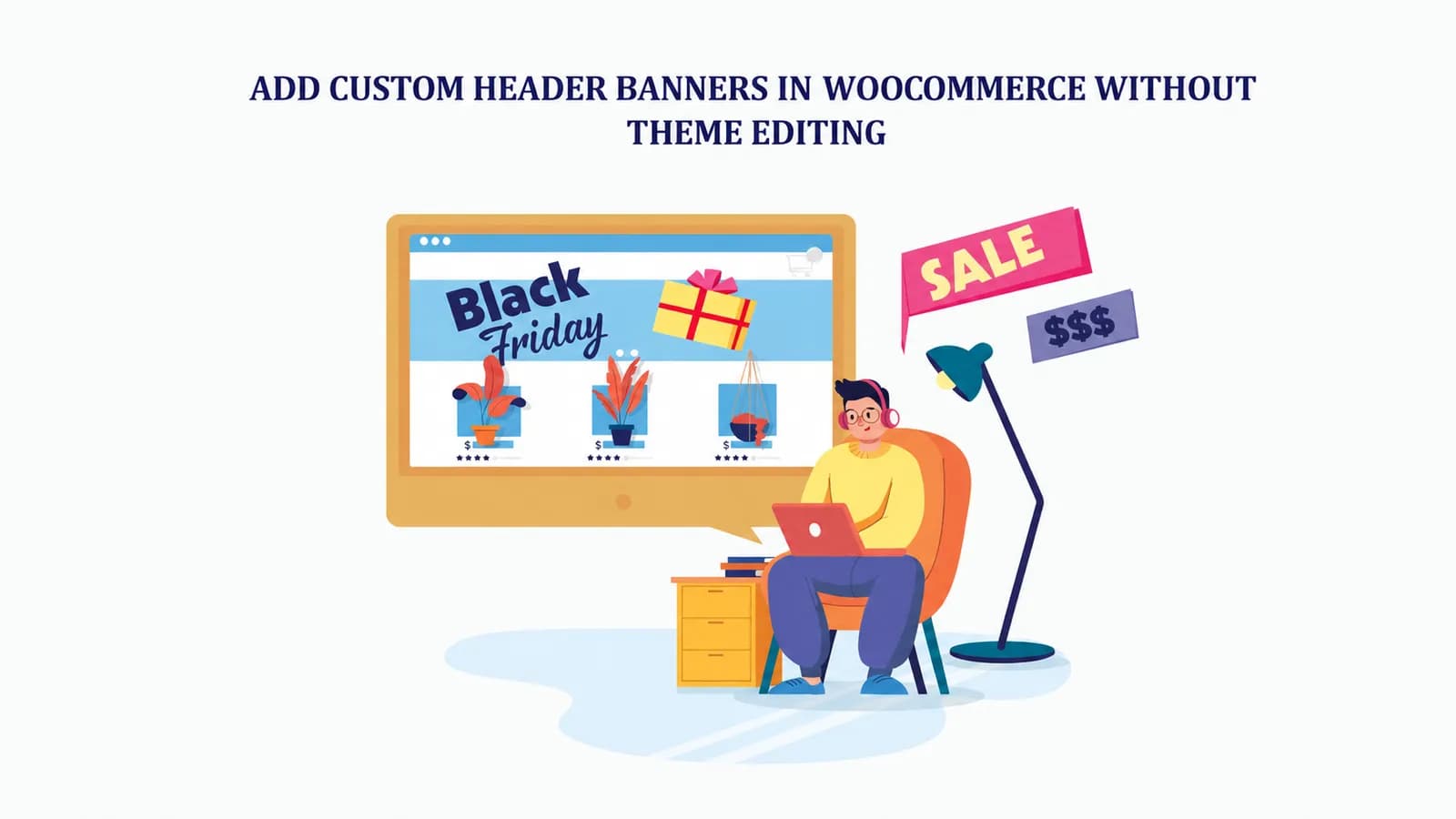
- Black Friday. Dark tones. Yellow or red text. Bold countdowns. Works every time.
- Valentine’s Day. Soft pinks. Heart icons. “Gifts They’ll Love.” Sweet and simple.
- Summer Sales. Bright oranges, beach visuals, sunglasses. “Cool Prices for Hot Days.”
People love change. Fresh banners show your store is alive, not forgotten. They create excitement before customers even browse. And when you combine that with limited-time offers, you turn ordinary visits into fast decisions.
SEO Edge of Banners
Here’s something most store owners overlook. Banners can help your SEO. When you upload images, add descriptive alt text. It helps Google understand what your banner is about. For example: “Black Friday Sale Banner WooCommerce.” Simple, but effective.
This boosts your ranking on image searches. And helps people find your deals even outside your site. Also, banners improve user experience. They make navigation smoother.
When you link banners to categories, products, or landing pages, you create better internal linking. Google loves that. Just don’t upload heavy images. Compress them. Slow banners hurt rankings. Fast ones keep everyone happy.
Measure What Works (and What Doesn’t)
Not every banner hits home. Some flop. Some shine. That’s okay. The trick is to know which is which. Try A/B testing. Make two versions of a banner, one with a red background, one blue. Run both. See which one gets more clicks.
Track with tools like Google Analytics. Check where users go after clicking. Did they buy? Did they bounce?
You’ll start seeing patterns. Maybe your audience likes minimal banners. Or maybe animated ones work better. Keep testing. Keep learning. Banners are living things. The more you tweak, the more they perform.
Mistakes to Avoid (Because They Hurt Sales)
Let’s keep it real. Many stores owners mess this up. Here’s what not to do:
- Don’t overload banners with text. It kills impact.
- Don’t use tiny fonts. Make it readable, even on phones.
- Don’t use poor-quality images. They scream unprofessional.
- Don’t ignore mobile layouts. Half your traffic’s on phones.
- Don’t forget a clear CTA. Always tell people where to go next.
Banners aren’t just about deals. They’re identity. Your tone. Your vibe. Your promise. It all shows in how you design them.
A brand that uses clean, elegant banners feels premium. One that uses playful colors feels fun and friendly. Your visuals talk for you before you even speak.
Over time, your audience will start recognizing your style. That’s brand recall. That’s marketing gold. So, next time you design a banner, ask does it feel like my brand? If yes, you’re on the right track.
Conclusion
Here’s the truth. People don’t remember everything they read. But they remember what they see. A well-placed, beautifully designed banner can make your WooCommerce store unforgettable. It can double clicks, boost trust, and make your deals shine brighter than any text ever could.
Don’t treat banners as extras. Treat them as silent marketers. The ones who speak in colors, shapes, and emotions. So, go ahead. Design one. Keep it short. Make it bold. Test it. Refine it.