

Managed IT Services: Benefits, Pricing & MSP Guide
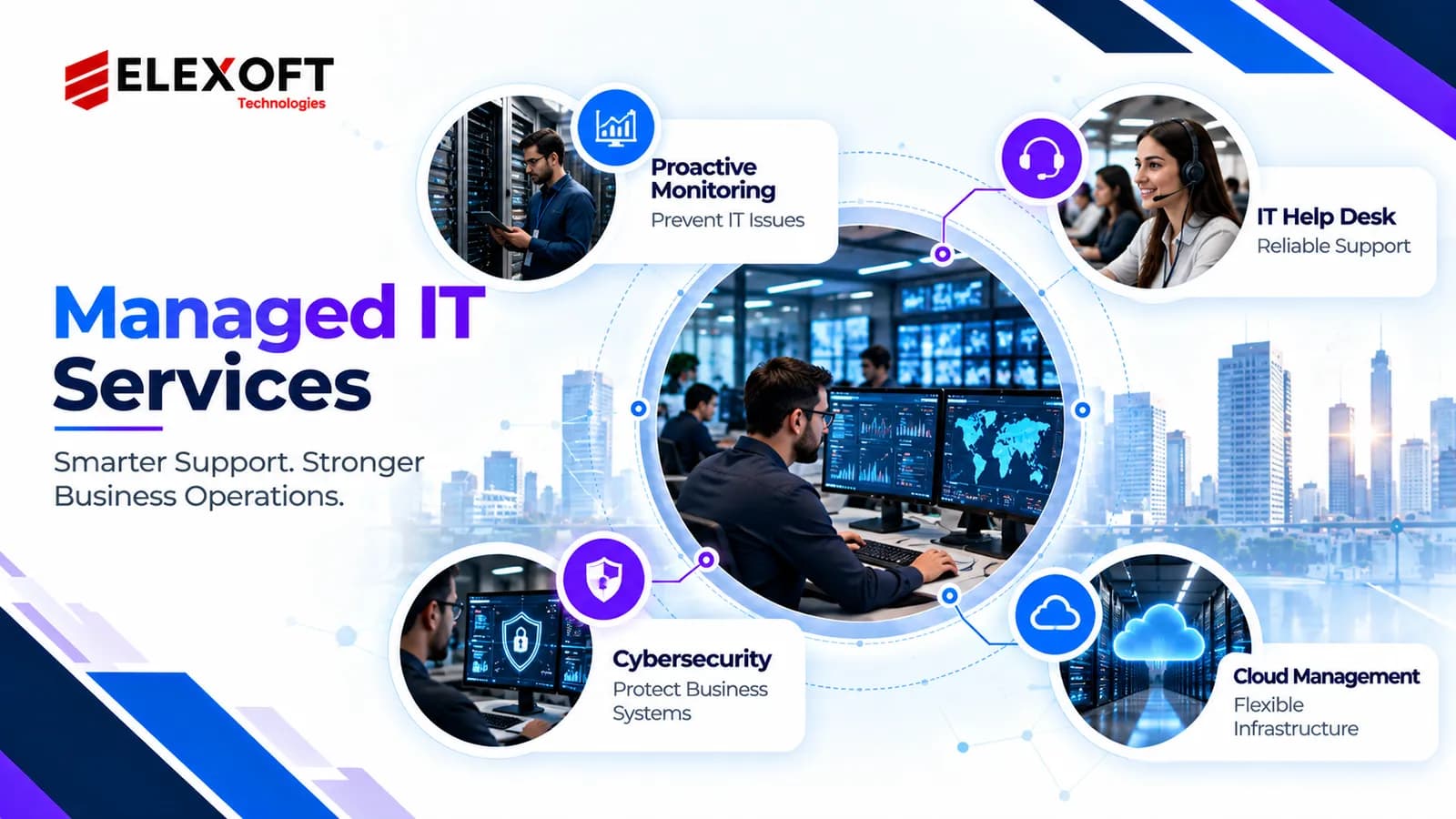
Managed IT services provide businesses with uninterrupted oversight and support for their technology systems. By partnering with a managed service provider (MSP), organizations can keep their IT environments running efficiently through routine maintenance, performance monitoring, information security practices and technical support, while addressing potential issues before they interrupt operations.
But what do managed IT services include? How much do they cost? How can businesses identify the best MSP for their IT needs?
What Are Managed IT Services?
Managed IT services are ongoing technology management and support services an external provider delivers under an agreed contract. These services help companies monitor, maintain, secure and support their IT environments without handling every technical responsibility internally.
Rather than relying only on emergency repairs, managed IT focuses on maintaining system performance and identifying possible issues before they cause major disruptions.
Common managed IT services include:
- IT infrastructure monitoring: Tracking servers, networks, and connected devices.
- Technical support: Helping employees resolve software, hardware and connectivity problems.
- Cybersecurity management: Supporting system protection, updates and security monitoring.
- Cloud management: Administering cloud infrastructure and selected business applications.
- Data backup: Protecting business information and supporting recovery planning.
- System maintenance: Managing updates, patches and routine technical tasks.
The exact coverage depends on the service provider and the selected package.
What Are the Key Functions of a Managed Service Provider (MSP)?
A managed service provider (MSP) is a third party company that delivers agreed IT management and support services.
An MSP may handle:
- Keeping track of system uptime and operational efficiency
- Fixing technical issues.
- Overseeing and maintaining network infrastructure & server systems
- Managing approved software updates.
- Supporting cloud applications and user accounts.
- Coordinating backup and recovery processes.
- Providing IT performance reports.
For example, a retail business may use an MSP to monitor its network, support employee computers, and preserve connectivity for point-of-sale systems.
An MSP does not automatically take responsibility for every technology related decision. Service responsibilities must be clearly defined in the contract.
How Do Managed IT Services Work?
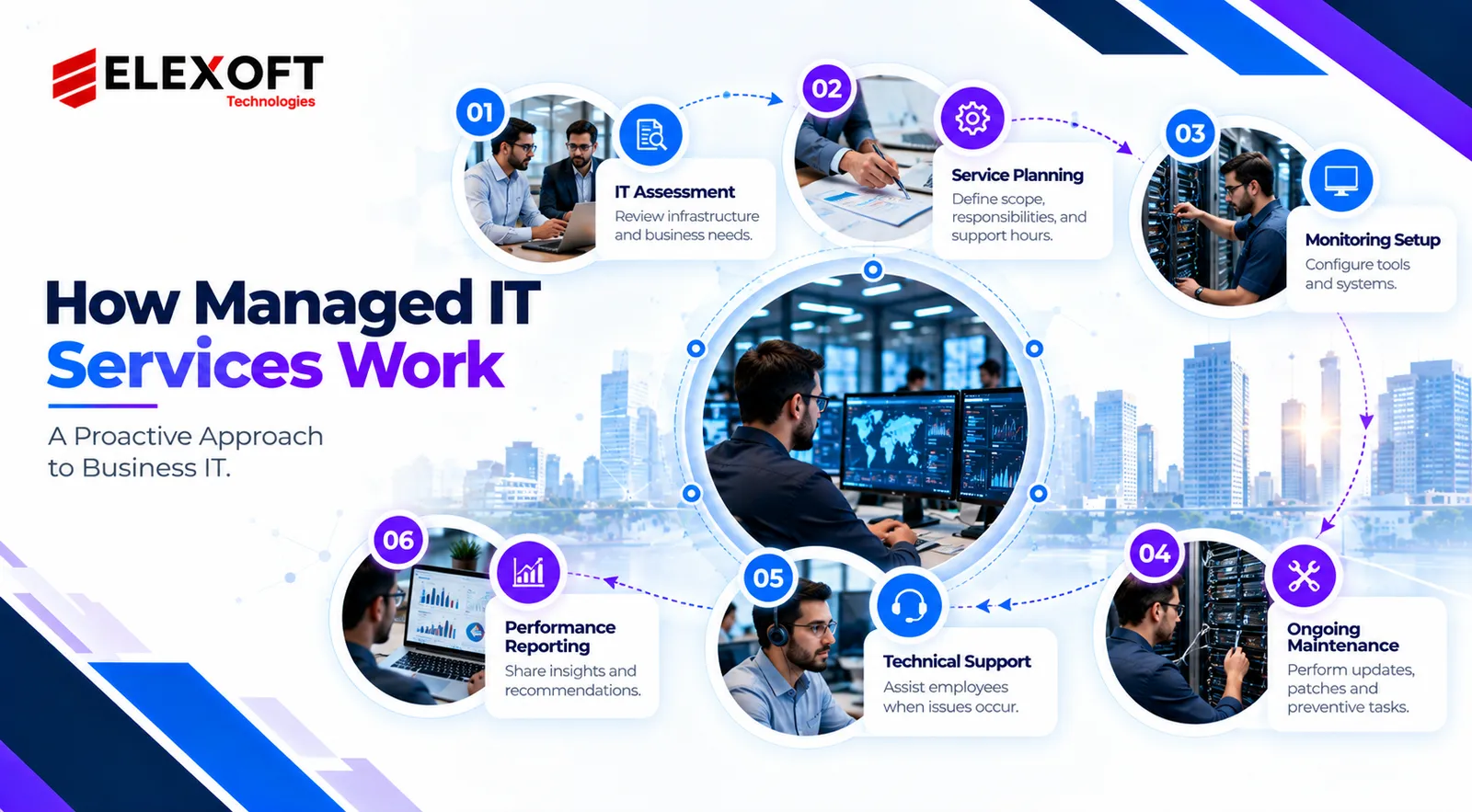
Managed IT services generally operate through a combination of assessment, continuous monitoring, maintenance and technical support.
A typical managed IT service process includes:
- IT assessment: The provider reviews existing infrastructure, business requirements and technical risks.
- Service planning: Both parties define covered systems, responsibilities, support hours and performance expectations.
- Monitoring setup: Appropriate monitoring and management tools are configured.
- Ongoing maintenance: The provider performs agreed updates, checks and preventive tasks.
- Technical support: Employees receive assistance when problems occur.
Performance reporting: The provider shares relevant service information and improvement recommendations.
Active Monitoring and Preventive Maintenance
Proactive IT monitoring helps identify problems before they develop into major service interruptions.
Managed service providers may use remote monitoring and management (RMM) tools to observe:
- Monitoring the operational condition of servers and connected devices.
- Network connectivity.
- Storage capacity.
- System performance.
- Tracking the installation and update status of software applications.
- Technical alerts and failures.
For example, monitoring software might detect that a server is approaching its storage limit. The MSP can investigate the issue before it affects critical business applications.
Although monitoring cannot prevent every failure, it supports earlier detection and more structured maintenance.
IT Support, Reporting, and Service Level Agreements
Managed IT support solutions generally provide a dedicated help desk or structured ticketing system for handling technical issues.
When an employee reports a problem, the provider records the issue, assigns its priority and begins troubleshooting.
A service level agreement (SLA) establishes important service expectations, such as:
- Available 24/7 support hours.
- Advance priority levels.
- Target response times.
- Escalation procedures.
- Reporting requirements.
- Performance of each party.
Businesses should understand that an SLA response commitment does not necessarily guarantee immediate problem resolution.
Types of Managed IT Support Services
Managed IT support services cover different technology functions depending on business needs, infrastructure complexity and provider capabilities.
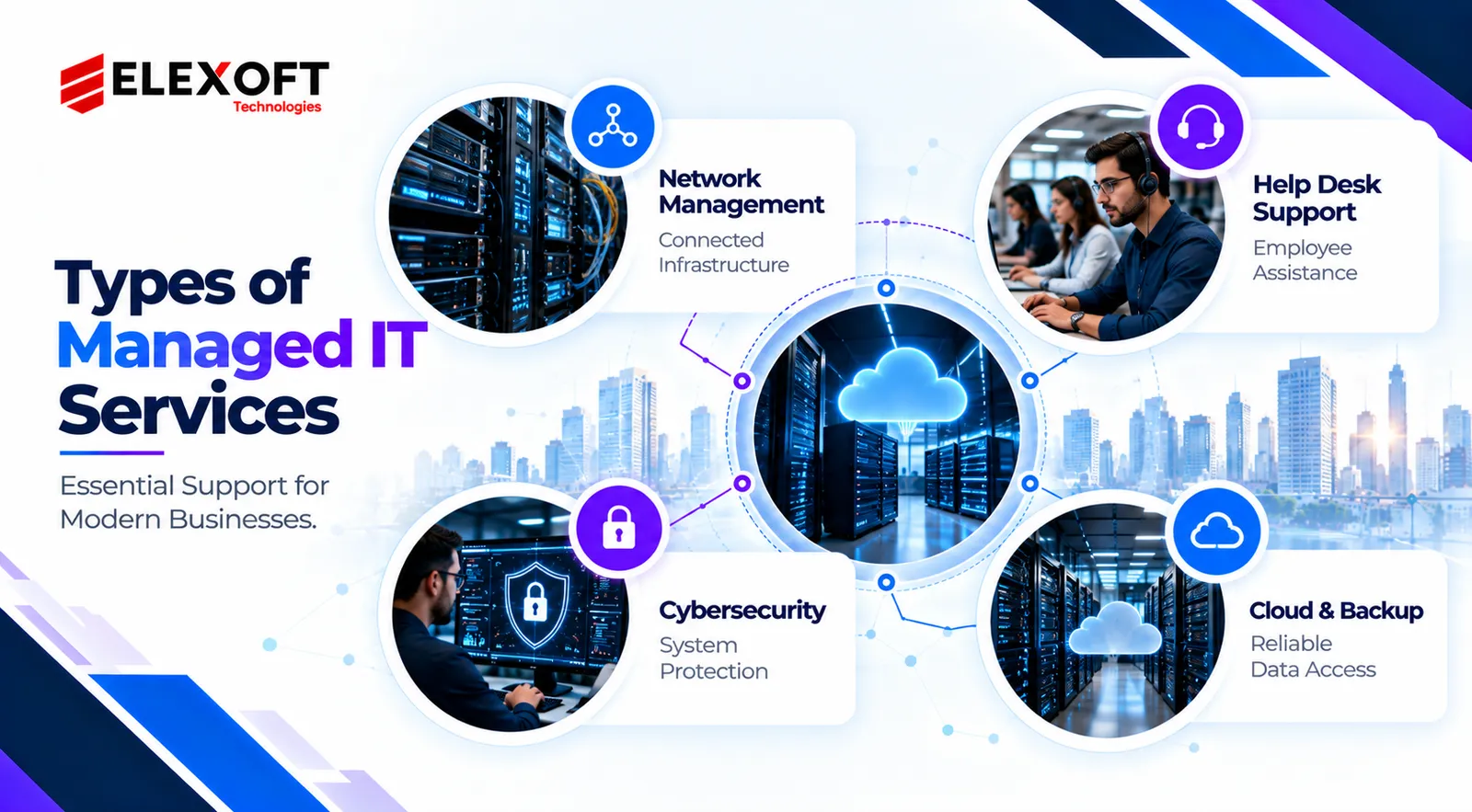
1. Network and IT Infrastructure Management
Network and infrastructure management entails overseeing and maintaining the essential IT systems that keep business operations functioning properly.
- Common responsibilities include:
- Tracking network efficiency and connectivity.
- Server administration.
- Overseeing routers and network switches.
- Connectivity troubleshooting.
- Infrastructure maintenance.
- Capacity and equipment planning.
Business value: Helps organizations preserve connectivity, improve system visibility and reduce avoidable operational interruptions.
2. Help Desk and End-User Support
Help desk services provide technical assistance to employees experiencing everyday IT problems.
Typical support activities include:
- Password and account assistance.
- Software debugging.
- Application and email support.
- Device configuration.
- Connectivity issues.
Business value: Gives employees a defined support channel so technical issues can be addressed more efficiently.
3. Managed Cybersecurity and Patch Management
Managed cybersecurity services help safeguard business networks, devices and sensitive data against possible security threats.
Depending on the contract, services may include:
- Endpoint protection.
- Vulnerability monitoring.
- Applying security updates and patches to address vulnerabilities.
- Managing user permissions and system access.
- Monitoring and assessing security notifications.
- Incident escalation.
Advanced threat monitoring or incident response may require separate services.
Business value: Supports more consistent security practices and reduces the risk associated with neglected updates and poorly managed access.
4. Cloud Management and Data Backup
Cloud management services help businesses oversee, maintain and improve their cloud environments. NCSC — Managed Service Provider Guidance
Common activities include:
- Cloud infrastructure monitoring.
- Overseeing and maintaining cloud based applications.
- Controlling user accounts, permissions and access privileges.
- Backup scheduling.
- Storage management.
- Disaster recovery planning.
Business value: Helps organizations manage cloud environments and get ready for potential data loss or system disruption.
A backup solution should also include appropriate restoration testing. Stored copies of data do not guarantee successful recovery.
Key Benefits of Managed IT Services for Businesses
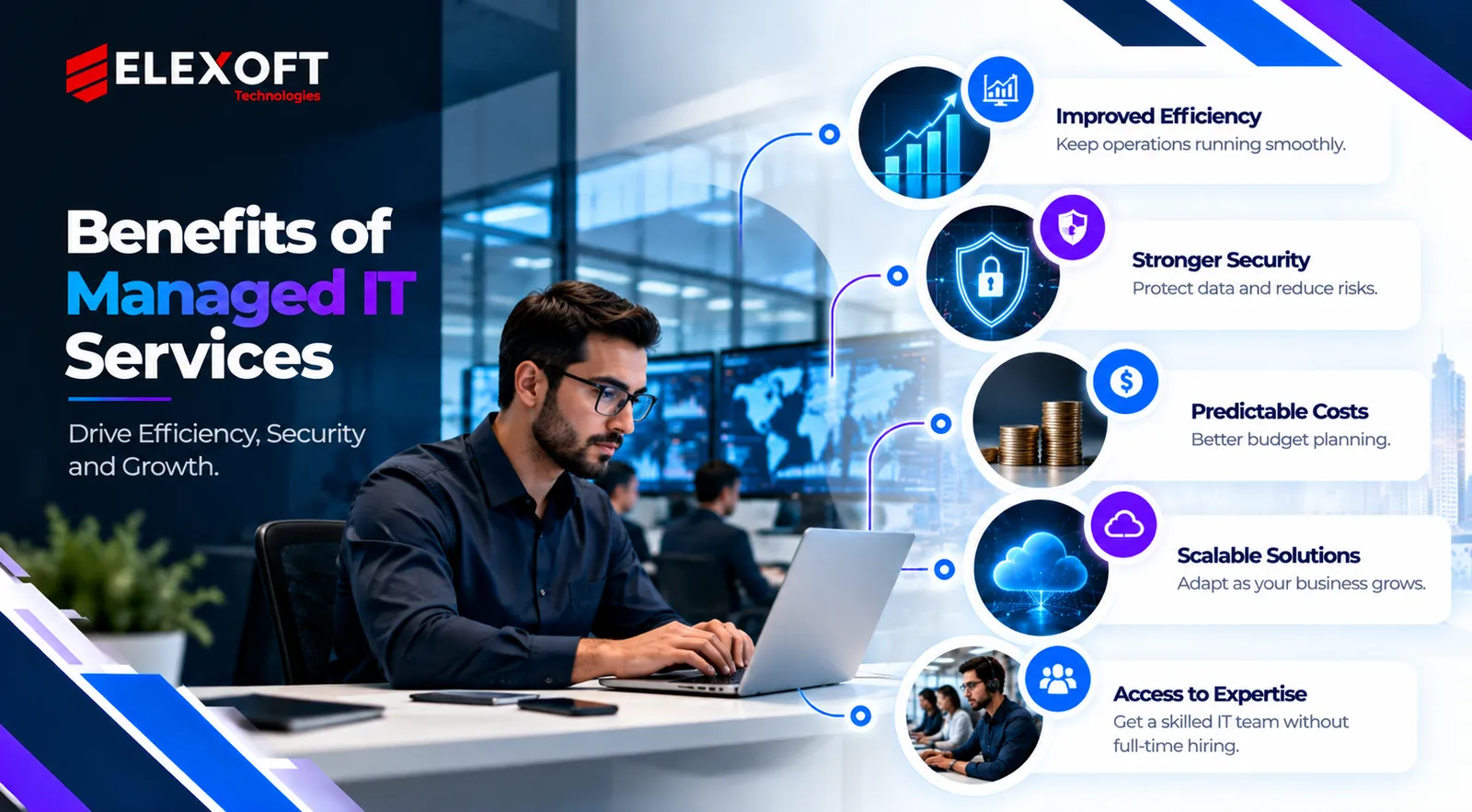
1. Minimized Downtime and Improved Productivity
Regular system monitoring and preventive maintenance help businesses identify potential technical problems before they worsen.
Main benefits include:
- Faster identification of system problems.
- Reliable and routine system maintenance.
- Organized procedures for technical assistance and issue resolution.
- Reduced employee time spent troubleshooting.
- Improved monitoring and analysis of recurrent technical problems.
These improvements can help employees focus on their main responsibilities.
2. Consistent IT Expenses and Access to Skilled Professionals
Many MSPs offer recurring monthly pricing for clearly defined services.
Possible benefits include:
- Easier budgeting for routine IT support.
- Access to technical specialists.
- Less reliance on urgent IT fixes.
- Consistent and clearly structured service plans.
- Flexibility to obtain expertise lacking hiring for every specialty.
However, monthly fees do not always include hardware, software licensing, projects or specialized support.
3. Stronger Security and Business Continuity
Managed IT services can support security and business continuity through consistent upkeep and organized procedures.
Important capabilities may include:
- Periodic security upgrades and vulnerability patching.
- Endpoint monitoring.
- User access control and permission management.
- Data backup management and oversight.
- Planning for system recovery and business continuity.
- Incident reporting and escalation.
No MSP can guarantee complete protection from cyberattacks or uninterrupted service.
4. Scalable Support as Your Business Grows
Growing businesses often need to support more employees, devices, applications and locations.
Managed IT arrangements can help organizations:
- Add supported users and devices.
- Expand infrastructure monitoring.
- Manage new office locations.
- Support cloud adoption.
- Access additional technical expertise.
Scalability depends on the provider's capacity and contract terms. Additional services may increase monthly charges.
Managed IT vs. Co Managed IT vs. Break Fix Support
Enterprises can choose different IT support models depending on their resources, operational requirements, and level of internal expertise.
|
Feature |
Fully Managed IT |
Co-Managed IT |
Break-Fix Support |
|
Support approach |
Ongoing |
Shared responsibility |
Reactive |
|
Internal IT team |
Optional |
Usually required |
Optional |
|
Proactive monitoring |
Commonly included |
Based on scope |
Usually not included |
|
Pricing |
Recurring contract |
Recurring or customized |
Per incident or service |
|
Best suited for |
Businesses outsourcing most IT operations |
Organizations with internal IT teams |
Businesses with occasional support needs |
Fully Managed vs. Co Managed IT Services
Fully managed IT services allow an external provider to handle most agreed day-to-day technology operations.
Co managed IT services combine an organization's internal IT team with external MSP expertise.
For example:
- The internal team manages employee onboarding and business applications.
- The MSP handles network monitoring and specialized technical support.
- Both teams coordinate on security improvements and infrastructure revisions.
Co-managed IT is particularly useful when an internal team needs additional capacity or specialized skills.
Managed IT vs. Traditional Break Fix Support
Break fix support focuses on repairing technology after a problem occurs.
Managed IT services emphasize ongoing monitoring, preventive maintenance and structured technical assistance.
The right approach depends on how much a business relies on technology, how often it needs support and the financial impact of downtime.
Managed IT Services Pricing: Models and Cost Factors
Managed IT services pricing depends on the number of supported users or devices, infrastructure complexity, security requirements, and the level of service included.
Providers use different pricing models, so businesses should compare service coverage, not just monthly fees.
Common MSP Pricing Models
1. Per User Pricing
Businesses pay a recurring amount for each supported employee.
This model can work well when employees use several devices.
2. Per Device Pricing
Charges are based on the number and type of supported devices, such as computers, servers, or network equipment.
3. Tiered Pricing
Providers offer multiple service packages with different features, support levels, and coverage.
4. Flat Fee Pricing
A fixed recurring fee covers an agreed IT environment or defined set of services.
5. À La Carte Pricing
Businesses purchase individual services based on their requirements.
How Much Do Managed IT Services Cost?
Managed IT costs differ greatly by provider, location, and contract scope.
Some US focused provider guides estimate comprehensive managed IT support at approximately $100–$250 per user per month. These figures are illustrative market estimates, not universal rates.
Consider a hypothetical business with 25 supported employees.
|
Pricing component |
Example |
|
Supported users |
25 |
|
Illustrative monthly cost per user |
$125 |
|
Estimated monthly cost |
$3,125 |
|
Estimated annual cost |
$37,500 |
Calculation: 25 users × $125 = $3,125 per month.
This example does not represent an Elexoft quotation. Actual costs may differ and could include additional charges.
What Affects the Total Cost?
The main factors influencing managed IT services pricing include:
- Business size: Number of employees, devices and locations.
- Infrastructure complexity: Servers, applications, networks, and legacy systems.
- Support hours: Normal business hours versus extended or 24/7 support.
- Cybersecurity requirements: Endpoint protection, heightened monitoring, and incident response.
- Cloud services: Administration, licensing, and infrastructure management.
- Contract scope: Included services, exclusions, and service-level commitments.
- Additional projects: Onboarding, migrations, hardware replacement and major upgrades.
Before choosing a package, request an itemized proposal that explains what's included and what may cost extra.
How to Select the Best Managed IT Service Provider (MSP) for Your Organization
Choosing a managed service provider requires evaluating technical capabilities, service reliability, security practices, pricing transparency and long term business fit.
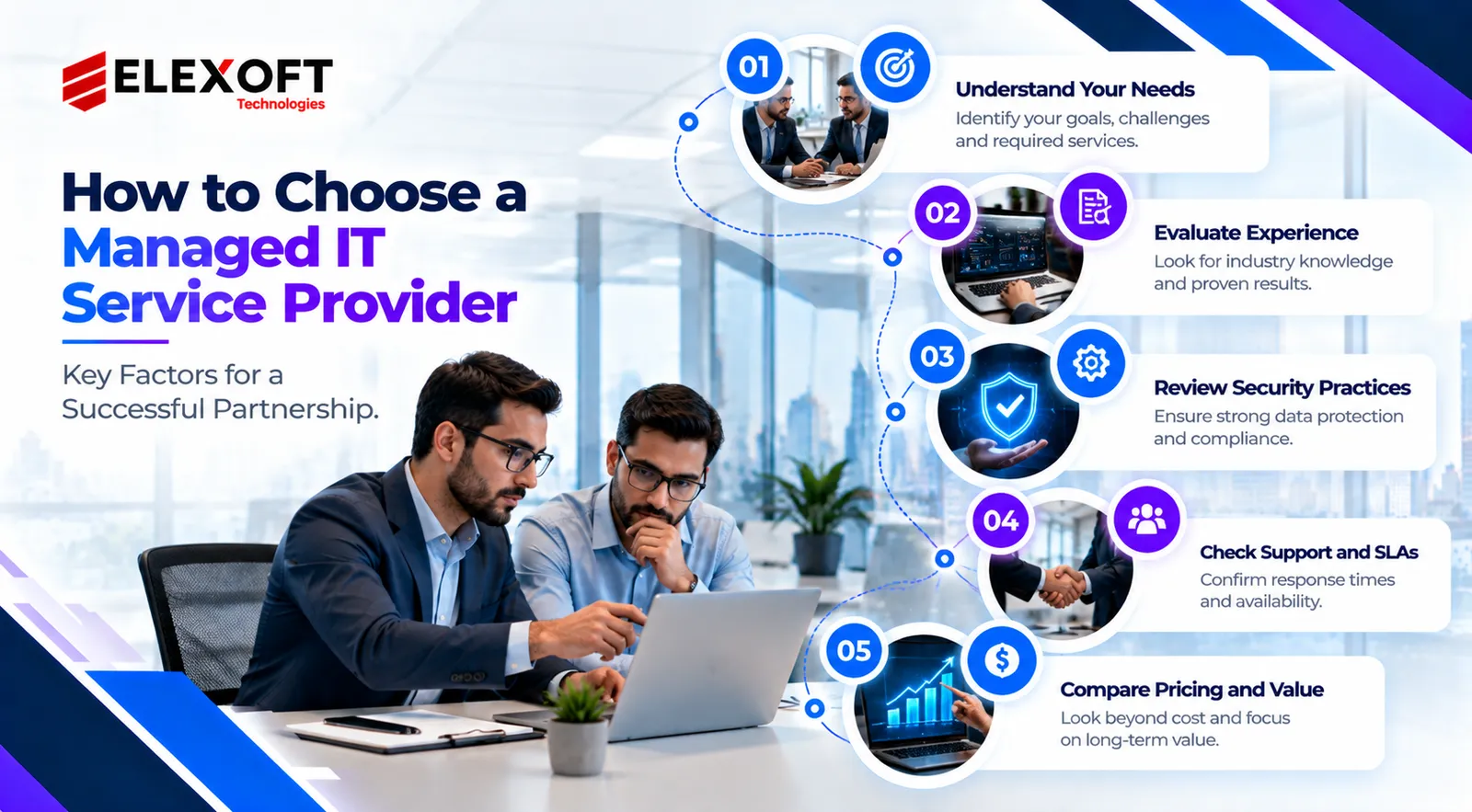
1. Evaluate Experience, Expertise and Security Standards
Look for an MSP with experience supporting businesses with similar infrastructure and operational requirements.
Evaluate:
- Proven experience in your industry.
- Strong technical skills and professional certifications.
- Understanding of your organization's software and operational tools.
- Client references and project experience.
- Security management procedures.
- Access control and incident response practices.
Ask how the provider protects privileged accounts, secures remote access and handles sensitive business information.
2. Review SLAs, Support Coverage, and Contract Terms
A clear service level agreement helps establish accountability.
Review the following:
- Support availability and operating hours.
- Categorization of IT incidents based on severity and importance.
- Response commitments.
- Clearly established procedures for escalating technical issues.
- Defined roles for data backup and system restoration.
- Service reporting requirements.
- Contract exclusions and additional charges.
Pay particular attention to the difference between response targets and guaranteed resolution commitments.
3. Compare Pricing, Onboarding, and Exit Procedures
Request proposals from providers using the same list of business requirements.
Check whether the quotation includes:
- Preliminary evaluation of existing IT systems.
- Monitoring tool setup.
- New employee setup and system access configuration.
- Organized technical records and process documentation.
- Existing provider transition.
- Extra fees for services beyond the agreed support plan.
Also review the termination process. Your organization should understand how it will recover administrative access, system documentation, configuration records and business data when the contract ends.
MSP Selection Checklist
Before signing an agreement, confirm:
- The provider has relevant technical experience.
- Included services and exclusions are clearly documented.
- Support hours and response commitments meet business needs.
- Cybersecurity responsibilities are defined.
- Backup and recovery procedures are explained.
- Pricing and additional charges are transparent.
- Client references are available.
- Administrative access and data ownership are addressed.
- Onboarding and transition responsibilities are documented.
- Contract termination and exit procedures are clear.
Common Managed IT Services Issues to Consider
Managed services can simplify technology operations, but businesses should also understand possible limitations.
Unclear service responsibilities
Poorly defined contracts can create confusion about which party handles updates, incidents, backups or network updates.
Unanticipated expenses
Projects, hardware, software subscriptions and out of scope support may increase overall costs.
Provider dependency
Businesses may become overly dependent on an MSP that controls key documentation, credentials or technical processes.
Limited operational visibility
Without useful reporting, organizations may struggle to evaluate service performance.
Security and access risks
External providers may require privileged access to important systems, making access management and security oversight essential.
Clear contracts, documented responsibilities, regular service reviews and appropriate internal governance can reduce these risks.
Conclusion: Finding the Right Managed IT Partner
Managed IT services help businesses support their technology through ongoing monitoring, maintenance, technical assistance and clearly defined service responsibilities.
Choosing the right MSP requires understanding your infrastructure, evaluating support needs, comparing pricing models, and reviewing security practices and contract terms.
The best managed IT arrangement fits your operational requirements, budget, and long term technology strategy.
If your business is planning software modernization, systems integration, or digital transformation, connect with Elexoft to discuss your technology requirements and identify the most appropriate following steps.
Frequently Asked Questions
Managed IT services commonly include infrastructure monitoring, technical support, software updates, network maintenance and selected security activities. Some providers also offer cloud management, backups and disaster recovery support. Exact coverage depends on the contract.